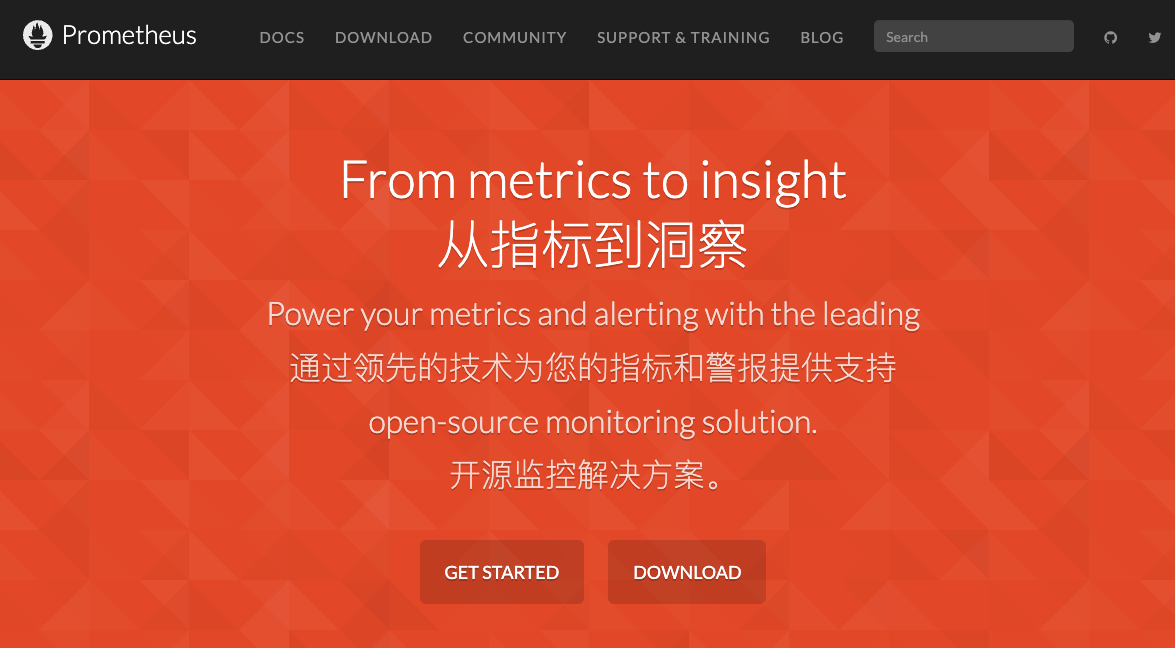
Prometheus 简单试用
Prometheus 是一个开源的监控和报警工具,广泛用于收集和查询指标数据。以下是如何在 Spring Boot 应用中集成和使用 Prometheus 的详细步骤:
环境准备
- 安装 Prometheus:
- 下载 Prometheus: 从 Prometheus 官网 下载最新版本。
- 解压并运行
prometheus可执行文件。
- 安装 Grafana(可选,但推荐用于数据可视化):
- 下载 Grafana: 从 Grafana 官网 下载并安装最新版本。
- 运行
grafana-server并访问http://localhost:3000进行配置。
配置 Spring Boot 应用
-
添加依赖: 在
pom.xml或build.gradle中添加以下依赖:xml 复制代码 <!-- Spring Boot Actuator --> <dependency> <groupId>org.springframework.boot</groupId> <artifactId>spring-boot-starter-actuator</artifactId> </dependency> <!-- Micrometer Prometheus --> <dependency> <groupId>io.micrometer</groupId> <artifactId>micrometer-registry-prometheus</artifactId> </dependency> -
配置
application.properties: 配置 Spring Boot Actuator 暴露 Prometheus 端点:properties 复制代码 management.endpoints.web.exposure.include=* management.endpoint.prometheus.enabled=true -
启用 Prometheus Endpoint: 确保 Prometheus 端点已经被启用,可以通过访问
http://localhost:8080/actuator/prometheus来验证。
配置 Prometheus
-
配置 Prometheus 的
prometheus.yml文件: 配置 Prometheus 来抓取 Spring Boot 应用的指标数据。global: scrape_interval: 15s scrape_configs: - job_name: 'spring-boot' metrics_path: '/actuator/prometheus' static_configs: - targets: ['localhost:8080'] -
运行 Prometheus: 启动 Prometheus,加载配置文件。
./prometheus --config.file=prometheus.yml你可以通过访问
http://localhost:9090来查看 Prometheus 的控制台。
配置 Grafana(可选)
- 添加 Prometheus 数据源:
- 访问
http://localhost:3000,登录 Grafana(默认用户名和密码为admin)。 - 添加 Prometheus 数据源,URL 设置为
http://localhost:9090。
- 访问
- 创建仪表板:
- 创建新的仪表板并添加图表。
- 在查询中选择 Prometheus 数据源并输入查询语句(例如
http_server_requests_seconds_count)。
示例查询
以下是一些常用的 Prometheus 查询示例:
-
HTTP 请求数:
sum(rate(http_server_requests_seconds_count[1m])) -
HTTP 请求延迟(平均值):
avg(rate(http_server_requests_seconds_sum[1m])) / avg(rate(http_server_requests_seconds_count[1m])) -
内存使用情况:
jvm_memory_used_bytes{area="heap"}
通过以上步骤,你就可以在 Spring Boot 应用中集成 Prometheus 并进行监控了。利用 Prometheus 和 Grafana 的强大功能,可以实现对系统的全面监控和报警。
- A multi-dimensional data model (time series defined by metric name and set of key/value dimensions)
多维数据模型(由指标名称和键/值维度集定义的时间序列) - PromQL, a powerful and flexible query language to leverage this dimensionality
PromQL,一种强大而灵活的查询语言,可以利用这种维度 - No dependency on distributed storage; single server nodes are autonomous
不依赖分布式存储;单个服务器节点是自治的 - An HTTP pull model for time series collection
用于时间序列收集的 HTTP 拉模型 - Pushing time series is supported via an intermediary gateway for batch jobs
通过批处理作业的中间网关支持推送时间序列 - Targets are discovered via service discovery or static configuration
通过服务发现或静态配置发现目标 - Multiple modes of graphing and dashboarding support
多种图形和仪表板支持模式 - Support for hierarchical and horizontal federation
支持分层和水平联合
本文是原创文章,采用 CC BY-NC-ND 4.0 协议,转载请附上原文出处链接和本声明。
评论
匿名评论
隐私政策
你无需删除空行,直接评论以获取最佳展示效果